On this page
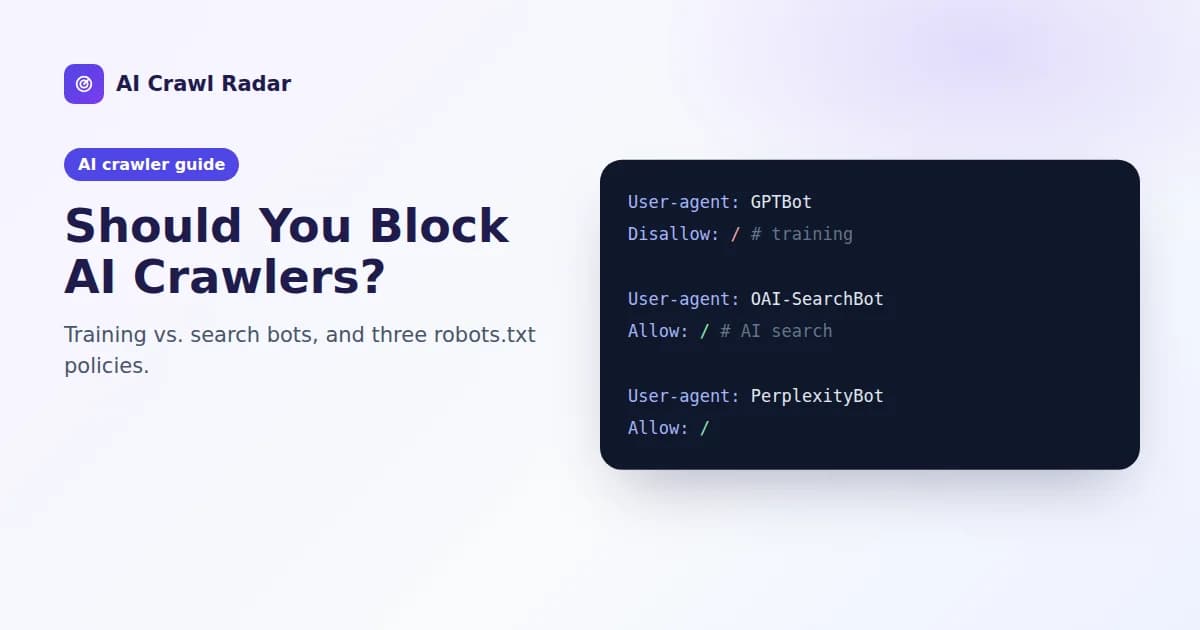
Should you block AI crawlers? For most businesses the honest answer is: block the ones that train models if you want to, but let the ones that power AI search in. Blocking every AI bot wholesale protects very little and quietly removes you from the answers people now get from ChatGPT, Perplexity and Claude.
This guide explains what you lose and keep with each choice, gives three ready-to-use robots.txt policies, and shows how each one affects your AI visibility score.
Why "block AI" is the wrong question
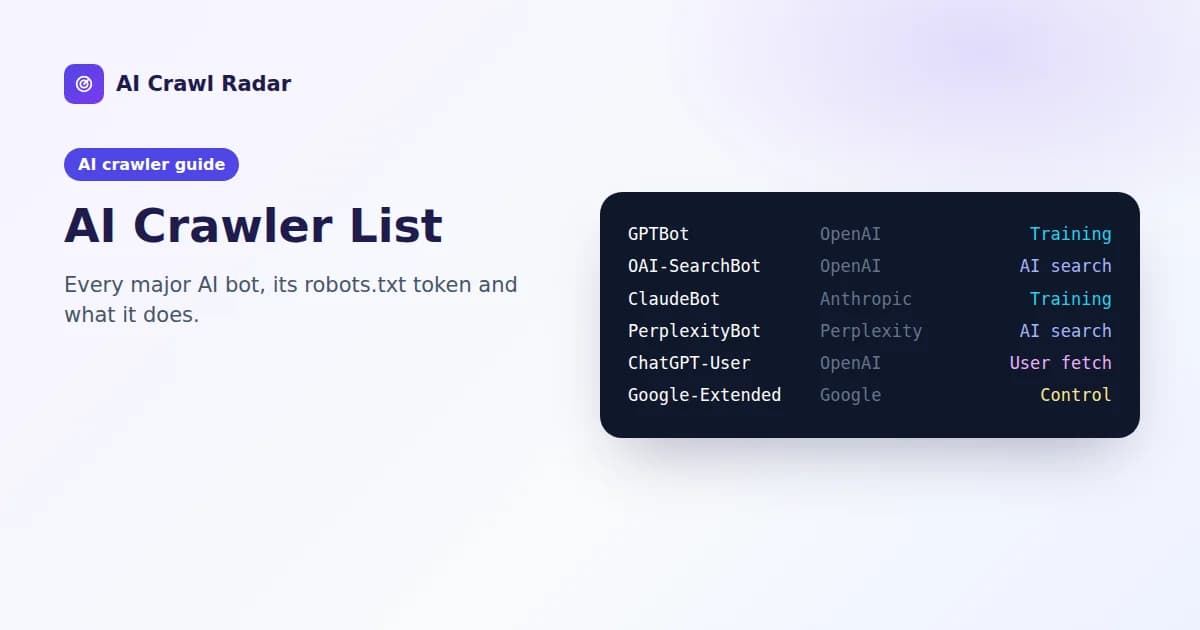
AI companies run different bots for different jobs (the AI crawler list covers them all). The three that matter for this decision are:
- Training crawlers such as GPTBot and ClaudeBot collect content that may train future models.
- AI search crawlers such as OAI-SearchBot, Claude-SearchBot and PerplexityBot index pages so an answer engine can find and cite them.
- User-triggered fetchers such as ChatGPT-User and Perplexity-User load a page because a person asked about it.
Each can be allowed or blocked on its own. OpenAI states this directly: you can allow OAI-SearchBot to appear in search results while disallowing GPTBot to opt out of training.
What blocking each kind actually does
| If you block | You keep out of | You do not lose |
|---|---|---|
| Training crawlers | Future training datasets for that company's models | Citations in AI search answers, if the search bot is still allowed |
| AI search crawlers | That engine's index, and with it most citations and links in its answers | Nothing you would want: this is the costly one |
| User-triggered fetchers | Some live page reads, where the operator honors robots.txt | Little control: OpenAI says robots.txt "may not apply" to ChatGPT-User, and Perplexity says Perplexity-User "generally ignores" it |
Two things blocking cannot do. It cannot remove content a model has already been trained on, because a Disallow only affects future crawling. And it is a request, not a lock: well-behaved crawlers follow robots.txt, but anything truly private belongs behind a login.
Three robots.txt policies
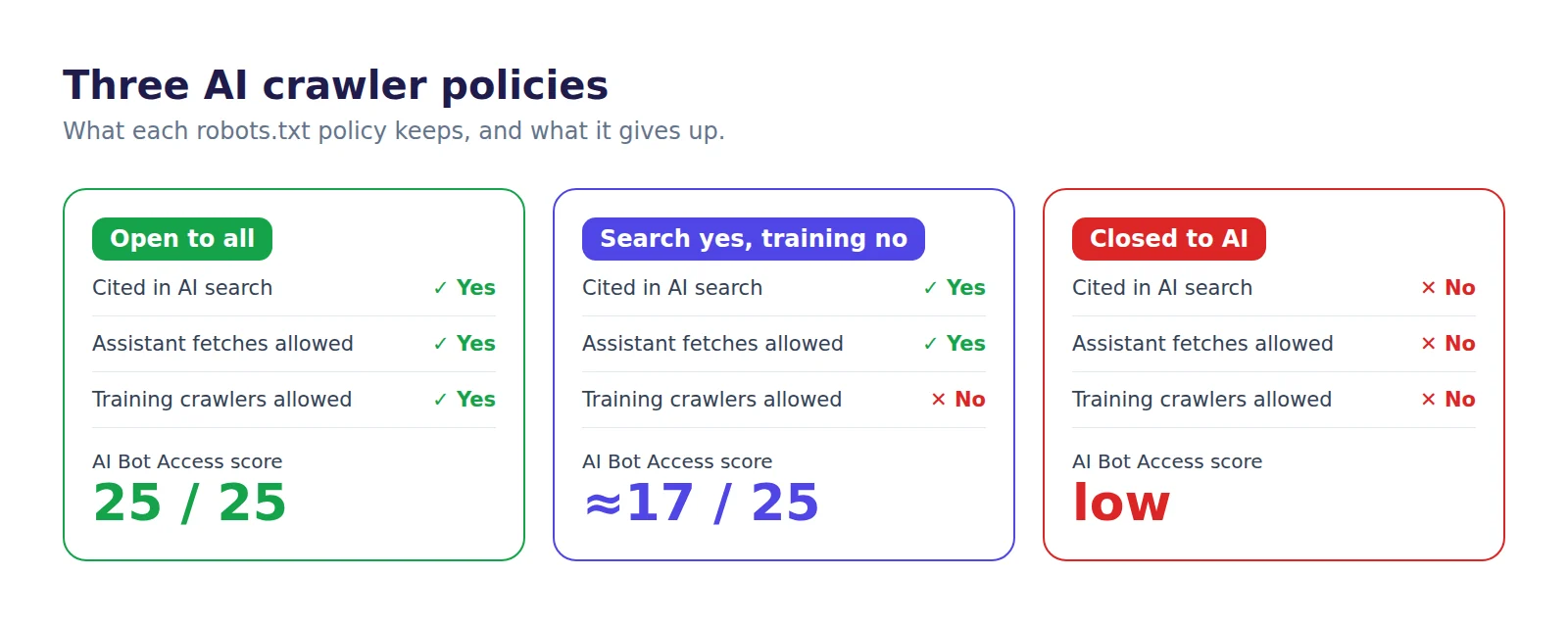
Policy 1: Open to all
The simplest policy is no AI-specific rules at all. Every bot can read your public pages, you can appear in every AI answer, and your content may be used for training. This suits most marketing sites, documentation and anyone whose goal is to be found and quoted.
User-agent: *
Disallow: /wp-admin/
Allow: /wp-admin/admin-ajax.php

Sitemap: https://www.example.com/sitemap.xml
Policy 2: AI search yes, training no
Block the training crawlers and control tokens, and leave the search crawlers alone. You stay citable in ChatGPT search, Perplexity and Claude, and you opt out of future training by the companies listed.
User-agent: GPTBot
Disallow: /

User-agent: ClaudeBot
Disallow: /

User-agent: Google-Extended
Disallow: /

User-agent: Applebot-Extended
Disallow: /

User-agent: Meta-ExternalAgent
Disallow: /

User-agent: CCBot
Disallow: /

User-agent: Bytespider
Disallow: /

User-agent: *
Disallow: /wp-admin/

Sitemap: https://www.example.com/sitemap.xml
Notice what is not here: OAI-SearchBot, Claude-SearchBot, PerplexityBot, Googlebot and Bingbot fall through to the * group and stay allowed. If OpenAI's search and training bots are both allowed, OpenAI says it may use one crawl for both purposes, which is another reason to name GPTBot explicitly if you want it out.
Google-Extended does not affect Google Search. Google says the token "does not impact a site's inclusion in Google Search nor is it used as a ranking signal". It controls Gemini training and grounding. Never block Googlebot to opt out of AI: that takes you out of Google Search itself.
Policy 3: Closed to AI
Add the search crawlers and user fetchers to the list as well. This is a legitimate choice for paywalled publishers, sites negotiating content licenses, or anyone who does not want AI systems summarizing their pages. The cost is real: you will rarely be cited or linked in AI answers, and visitors who ask an AI assistant about your topic will be sent elsewhere.
User-agent: GPTBot
User-agent: OAI-SearchBot
User-agent: ChatGPT-User
User-agent: ClaudeBot
User-agent: Claude-SearchBot
User-agent: Claude-User
User-agent: PerplexityBot
User-agent: Perplexity-User
User-agent: Google-Extended
User-agent: Applebot-Extended
User-agent: Meta-ExternalAgent
User-agent: CCBot
User-agent: Bytespider
Disallow: /
Several User-agent lines in a row share the rules that follow them, which keeps the file short.
How each policy affects your AI visibility score
In an AI Crawl Radar audit, AI Bot Access is worth 25 points. Search and user-fetch bots count three times, training bots twice, and classic search engines and aggregators once. With the default set of crawlers the audit checks:
- Open to all keeps the full 25 points.
- Search yes, training no (Policy 2 above) keeps about 17 of 25. Blocking only GPTBot and Google-Extended keeps about 23.
- Closed to AI loses most of the category, because the heavily weighted search and fetch bots are blocked.
The audit flags every block, so a deliberate Policy 2 will still show findings. Read them as confirmation of your choice rather than errors. What matters is that each block is a decision, not an accident.
Accidental blocks are more common than deliberate ones
Plenty of sites block AI crawlers without anyone choosing to. The usual causes are a CDN or firewall setting that challenges or blocks AI bots before robots.txt is even read, a security plugin with a "block bad bots" list, or a broad rule such as User-agent: * followed by Disallow: / left over from a staging site. How to fix AI bot access covers each cause, and firewalls and bot challenges covers the CDN case.
Make the change and check it
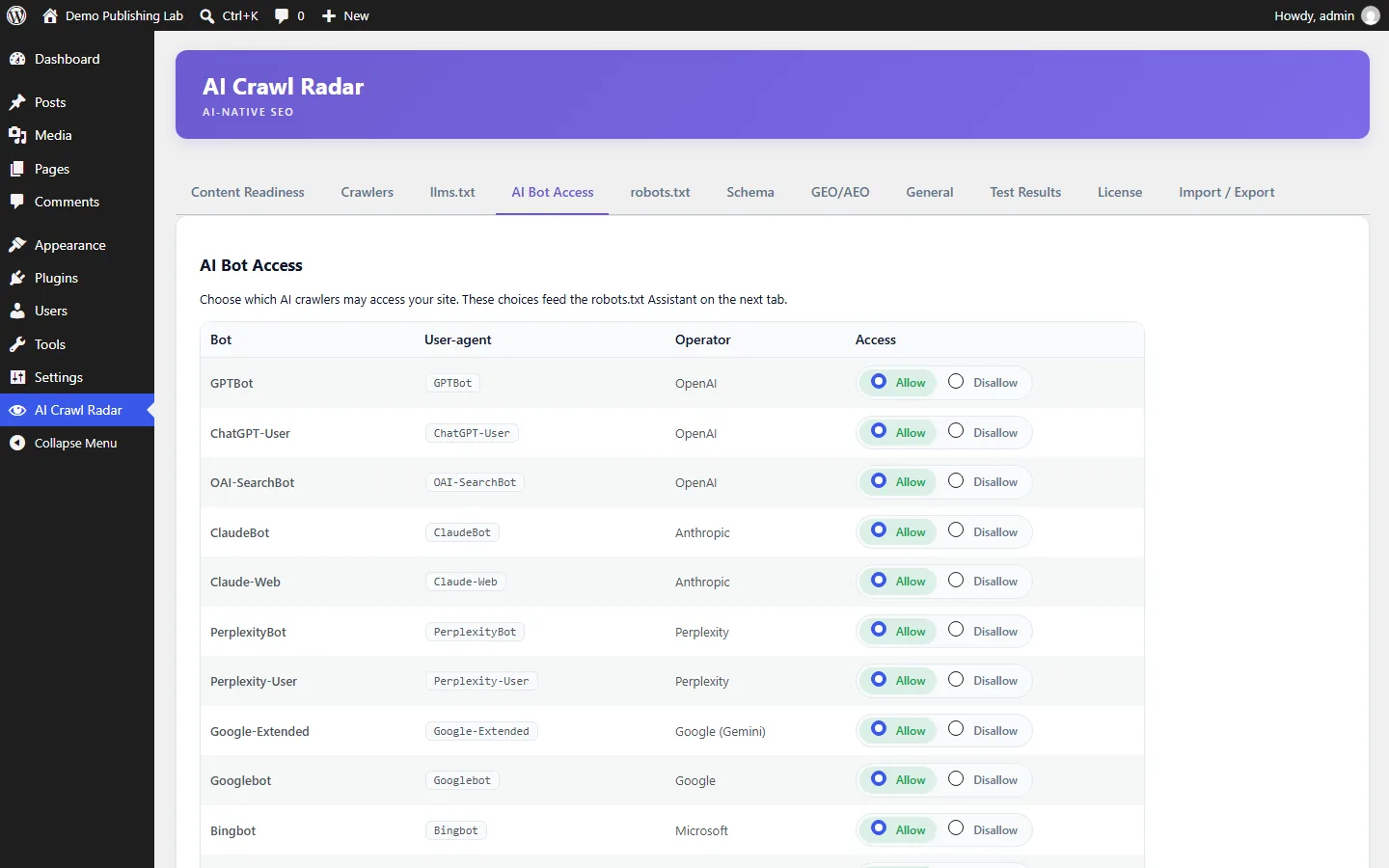
- Pick a policy and edit robots.txt at the root of your domain. On WordPress, the free AI Visibility Optimizer plugin lets you allow or disallow each AI crawler from wp-admin, labelled by job, without editing the file by hand.
- Run a fresh AI visibility audit and confirm each bot shows the status you intended.
- Give it time. OpenAI says search changes can take about 24 hours to take effect after you update robots.txt.
- Review the policy when your goals change. A paywall, a licensing deal or a new AI search engine are all good reasons to revisit it.
Related guides
Frequently asked questions
6 questions people ask about this topic
Does blocking GPTBot remove my site from ChatGPT?
Will blocking Google-Extended hurt my Google rankings?
Can blocking AI crawlers remove my content from existing AI models?
Should a small business block AI crawlers?
Does robots.txt stop ChatGPT from reading a page a user shares?
How long does a robots.txt change take to apply to AI crawlers?
See how AI crawlers read your site
Run a free AI visibility audit: a 0–100 score and a fix for every lost point.
Analyze my website