On this page
llms.txt is a plain Markdown file at the root of your site, https://yourdomain.com/llms.txt, that gives AI assistants a short, curated map of your site: what it is, which pages matter most, and how to reach you. Think of it as a sitemap written for a language model instead of a search crawler: short, human-readable and opinionated about what is important.
In an AI Crawl Radar audit, llms.txt Readiness is worth 10 of the 100 points. This guide explains what the check looks for and how to publish a file that passes.
What llms.txt is, and what it is not
llms.txt is a community proposal (documented at llmstxt.org), not a formal standard, and AI providers do not publish whether or how they read it. It does not control access: that is still the job of robots.txt. What it offers is cheap and low-risk: a clean, link-rich summary that any tool reading your site can use, and that you control word for word.
Do not confuse it with robots.txt. Nothing in llms.txt allows or blocks a crawler. If GPTBot is blocked in robots.txt, a perfect llms.txt will not let it in.
How the audit scores llms.txt
- No file, or an empty one (anything other than a 2xx response with content): 0 points, plus the finding "No llms.txt found".
- A file exists: 60% of the category straight away.
- The remaining 40% depends on four recommended sections: Description, Important pages, Contact and Usage policy. Each one missing costs 10%.
If your file is very short (under about 60 words) or misses more than one section, the report also generates a starting template for you, built from your page title and sitemap, that you can paste and edit.
The structure that passes every check
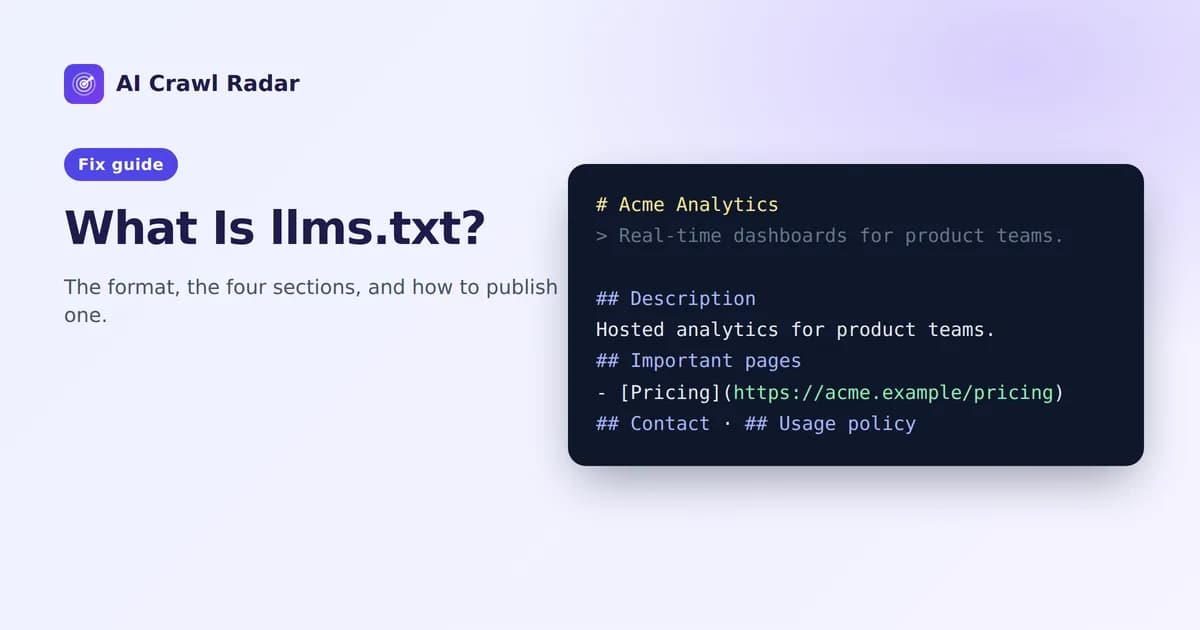
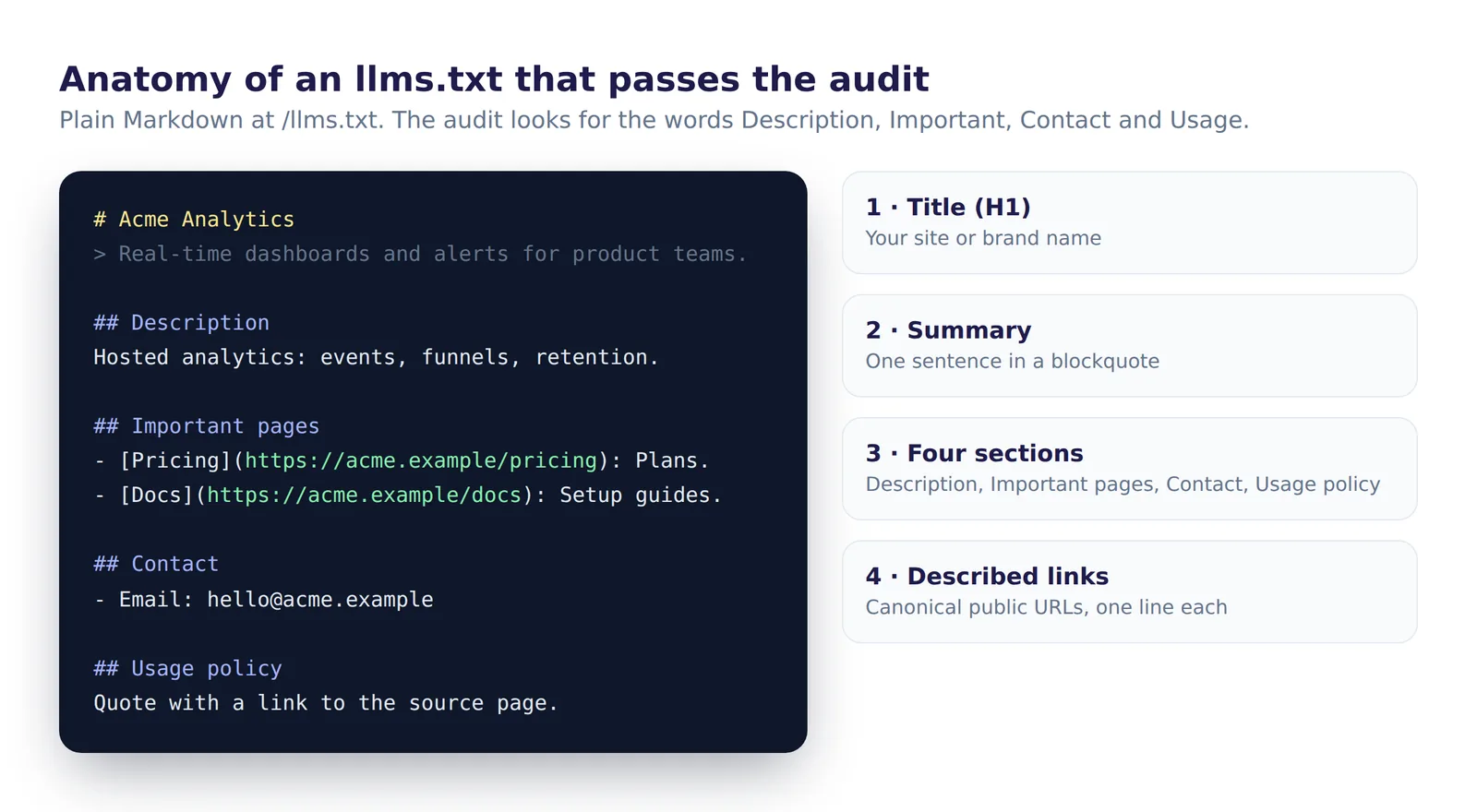
The format is ordinary Markdown: an H1 with your name, a one-line summary in a blockquote, then H2 sections containing link lists.
# Acme Analytics

> Acme Analytics gives product teams real-time dashboards and alerts for their web and mobile apps.

## Description
Acme is a hosted analytics platform for product teams. It tracks events, funnels and retention, and sends alerts when metrics change.

## Important pages
- [Home](https://acme.example/): What Acme does and who it is for.
- [Pricing](https://acme.example/pricing): Plans and what each includes.
- [Documentation](https://acme.example/docs): Setup guides and API reference.
- [Blog](https://acme.example/blog): Product updates and analytics guides.

## Contact
- [Contact form](https://acme.example/contact)
- Email: [email protected]

## Usage policy
You may quote and summarize our public pages with a link to the source page. Do not use content from /account or /app.
The audit checks that the words Description, Important, Contact and Usage appear in the file, and using the four names as H2 headings is the clearest way to satisfy it. These four sections are AI Crawl Radar's recommendation; the llmstxt.org proposal itself only requires the H1 and suggests the blockquote and link sections. Keep each link description to one short sentence, and link to canonical, public URLs only.
llms.txt vs robots.txt vs sitemap.xml
| File | Purpose | Controls access? |
|---|---|---|
robots.txt | Tells crawlers what they may fetch | Yes |
sitemap.xml | A complete list of your URLs for crawlers | No |
llms.txt | A short, described shortlist of your key pages for AI tools | No |
Some sites also publish /llms-full.txt, a single file with the full text of their key pages. It is optional, and the audit does not check it.
Fixing each finding and recommendation
"No llms.txt found"
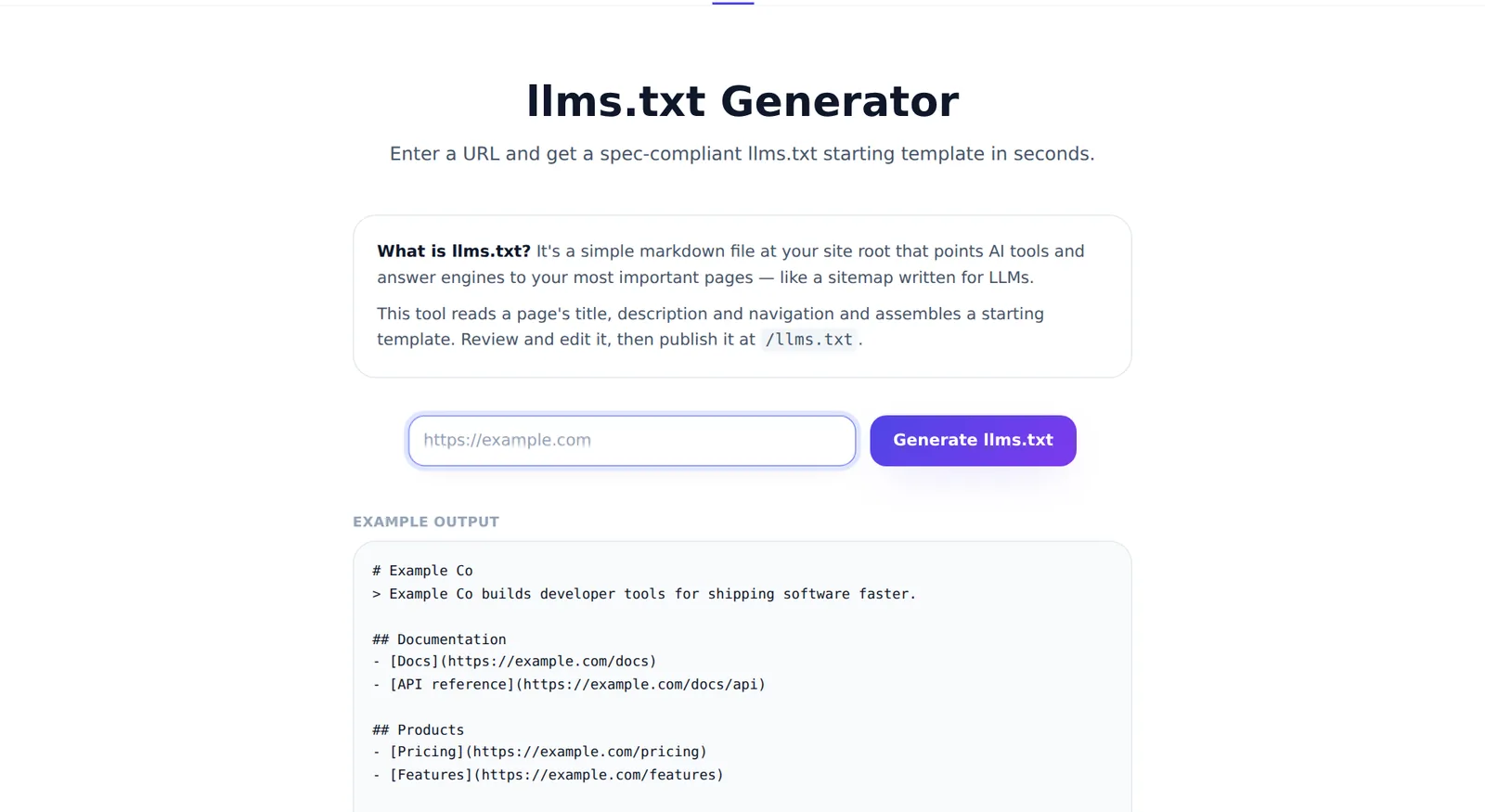
- Generate a starting file with the free llms.txt generator, or copy the template from your audit report.
- Edit the description so it says plainly what your site offers. One clear sentence in the blockquote, a few more under Description.
- Upload it so it is served at
/llms.txtwith a200status and a text content type.
Where to put it depends on your platform. On a static site or most frameworks, place llms.txt in the public or web root folder. On WordPress, the AI Visibility Optimizer plugin generates and serves it for you and rebuilds it when your content changes.
"Strengthen your llms.txt"
The file exists but is missing some of the four sections. The recommendation lists them, for example "Add: Contact, Usage policy". Add an H2 for each missing section with real content. Do not leave empty headings: a heading with nothing under it helps no one.
Common mistakes
- Serving HTML instead of text. Some frameworks route unknown paths to a 404 page or the homepage. Request
/llms.txtdirectly and confirm you get your Markdown, not a web page. - Two plugins fighting over the file. On WordPress, an SEO plugin and an AI plugin may both try to serve llms.txt. Only one should.
- Linking to every page. llms.txt is a curated shortlist, not a sitemap. Twenty well-described links beat five hundred bare ones.
- Letting it go stale. Update it when you launch or retire key pages. A file that points to 404s is worse than a short one.
Verify
- Open
https://yourdomain.com/llms.txtand confirm it returns your Markdown. - Re-run the AI visibility audit. llms.txt Readiness should show 100% once all four sections are present.
Related guides
Frequently asked questions
6 questions people ask about this topic
Do ChatGPT, Claude or Google read llms.txt?
Is llms.txt worth adding, then?
Is llms.txt the same as robots.txt?
What is llms-full.txt?
How many links should llms.txt contain?
Why does the audit give llms.txt points if AI crawlers ignore it?
See how AI crawlers read your site
Run a free AI visibility audit: a 0–100 score and a fix for every lost point.
Analyze my website