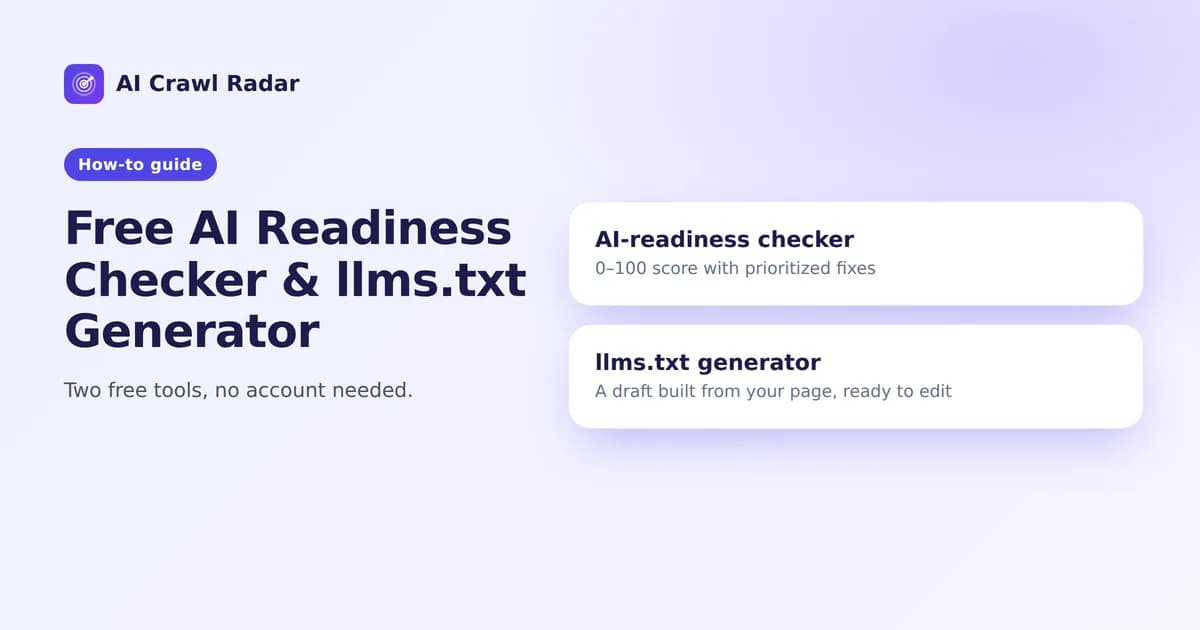
AI Crawl Radar has two free tools that need no account: an AI readiness checker (sometimes searched as an AI search readiness checker) and an llms.txt generator. This guide explains what each does, when to use it, and how to turn its output into changes on your site.
The AI-readiness checker
The AI-readiness checker answers one question fast: how ready is this page for AI crawlers and answer engines? It runs the same audit engine as the main audit tool and returns the same 0–100 score with specific fixes.
How to use it
- Open the AI-readiness checker.
- Enter the URL of the page you want to check.
- Read the score, then go straight to the critical findings and the top recommended fixes.
Reading the result
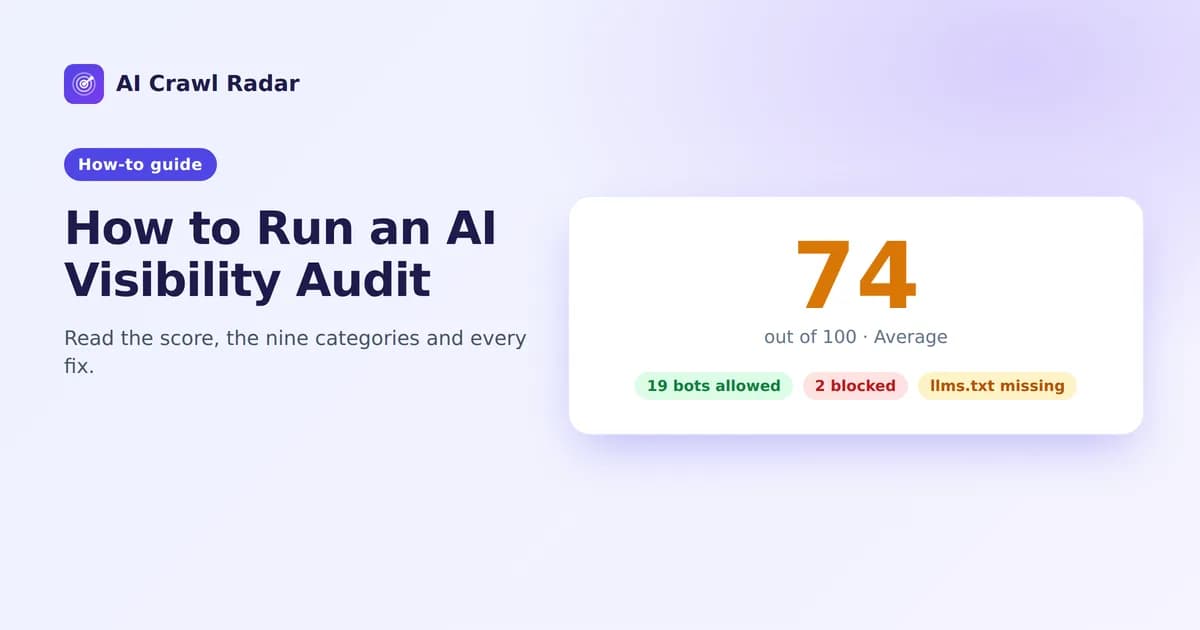
Read the result in this order: the score and its band (90 or more is "Excellent — AI Ready"), then any critical findings, which can make you invisible to AI on their own, then the recommended fixes, many of which come with a copy-ready snippet. The report can be downloaded as PDF, CSV or JSON, just like the main audit's.
What it checks
Nine areas, weighted by how much they affect AI visibility: AI Bot Access, robots.txt Strategy, llms.txt Readiness, Content Accessibility (whether content is readable without JavaScript), Structured Data, Technical SEO, HTTP Health & Performance, Sitemap & Discovery and GEO/AEO Readiness. How to run an AI visibility audit explains every part of the result.
Good uses
- Before and after a change: check a page, deploy your fix, check again.
- After a CDN, firewall or theme change: these are the changes that silently block AI crawlers or move content into JavaScript.
- A quick look at a competitor, to see whether they block AI crawlers or publish an llms.txt.
Free audits have a daily allowance. Guests get a few audits a day and a free account gets more. If you hit the limit, the tool tells you.
The llms.txt generator
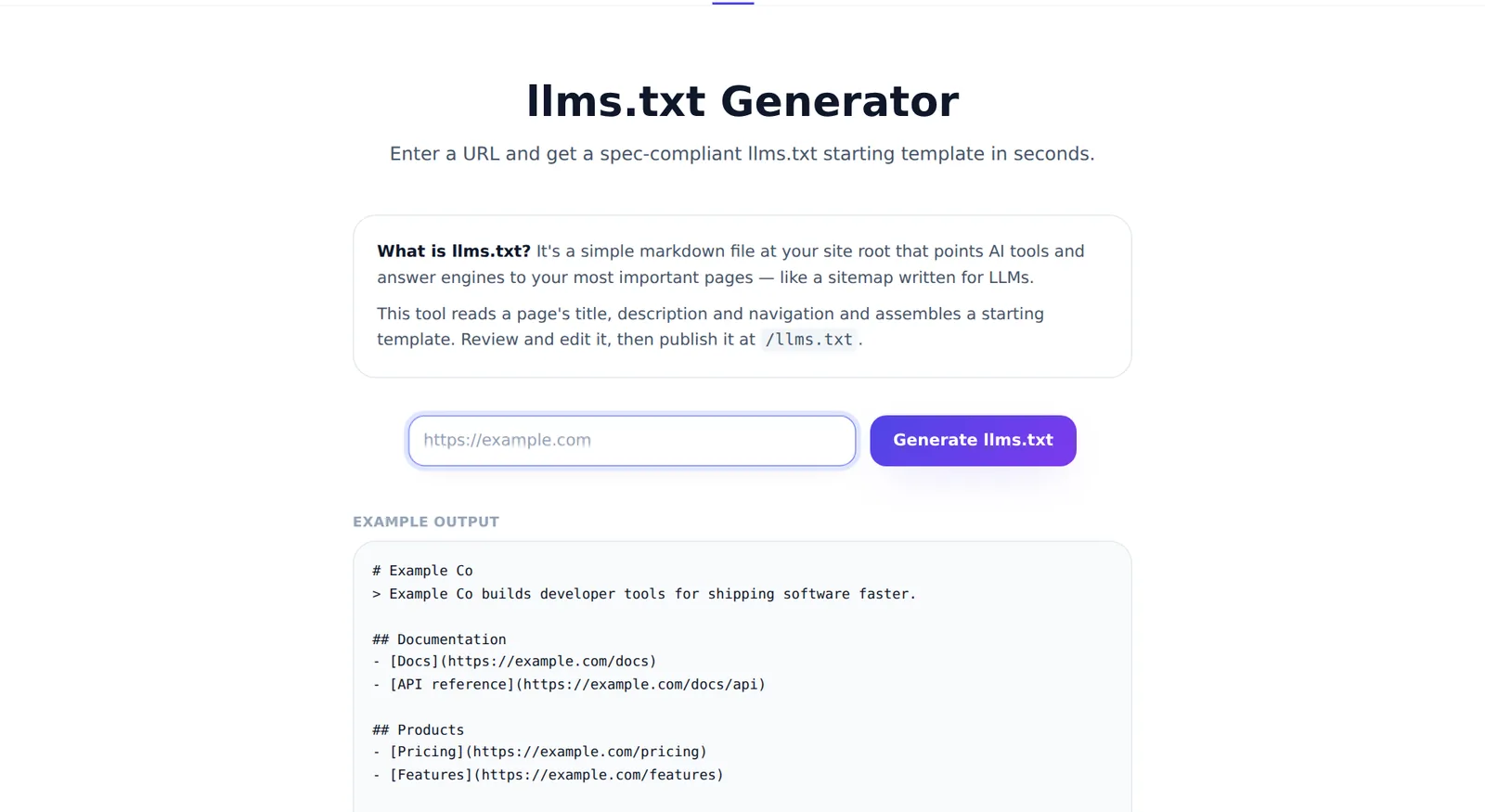
llms.txt is a short Markdown file that gives AI assistants a curated map of your site. The llms.txt generator builds a starting version for you.
How it works
You enter a URL. The generator fetches that page, reads its title, meta description and navigation links, and assembles an llms.txt in the standard shape: an H1 with your site name, a one-line summary, then link sections. It does not use AI to write text. It works only from what is on your page, so the result is predictable, and it never invents claims about your business.
How to use it
- Open the llms.txt generator and enter your homepage URL.
- Review the generated file and copy it.
- Edit before you publish. The output is a draft. Make the summary say plainly what you do, remove navigation links that are not important (login, cart, legal pages), add the pages that matter most, and write a one-line description for each link.
- Add the four sections the audit looks for: Description, Important pages, Contact and Usage policy. The llms.txt guide has a complete example.
- Publish the file so it is served at
https://yourdomain.com/llms.txt.
Where to put the file
- Static sites and most frameworks: save it as
llms.txtin your public or web root folder (in Next.js, thepublic/folder). - WordPress: the free AI Visibility Optimizer plugin generates and serves llms.txt for you. You do not need the generator at all.
- Hosted platforms that do not allow root files: check whether your platform or an app can serve a custom file at the root.
Then run the AI-readiness checker again: the llms.txt Readiness category should go from 0 to full or near-full marks.
Which tool when?
| You want to… | Use |
|---|---|
| Know your overall AI visibility and what to fix | AI-readiness checker or the audit tool |
| Create an llms.txt from scratch | llms.txt generator |
| Download the result as PDF, CSV or JSON | Either tool's report |
| Fix things from inside WordPress | The WordPress plugin |
| Monitor a site over time | The dashboard with scheduled scans |
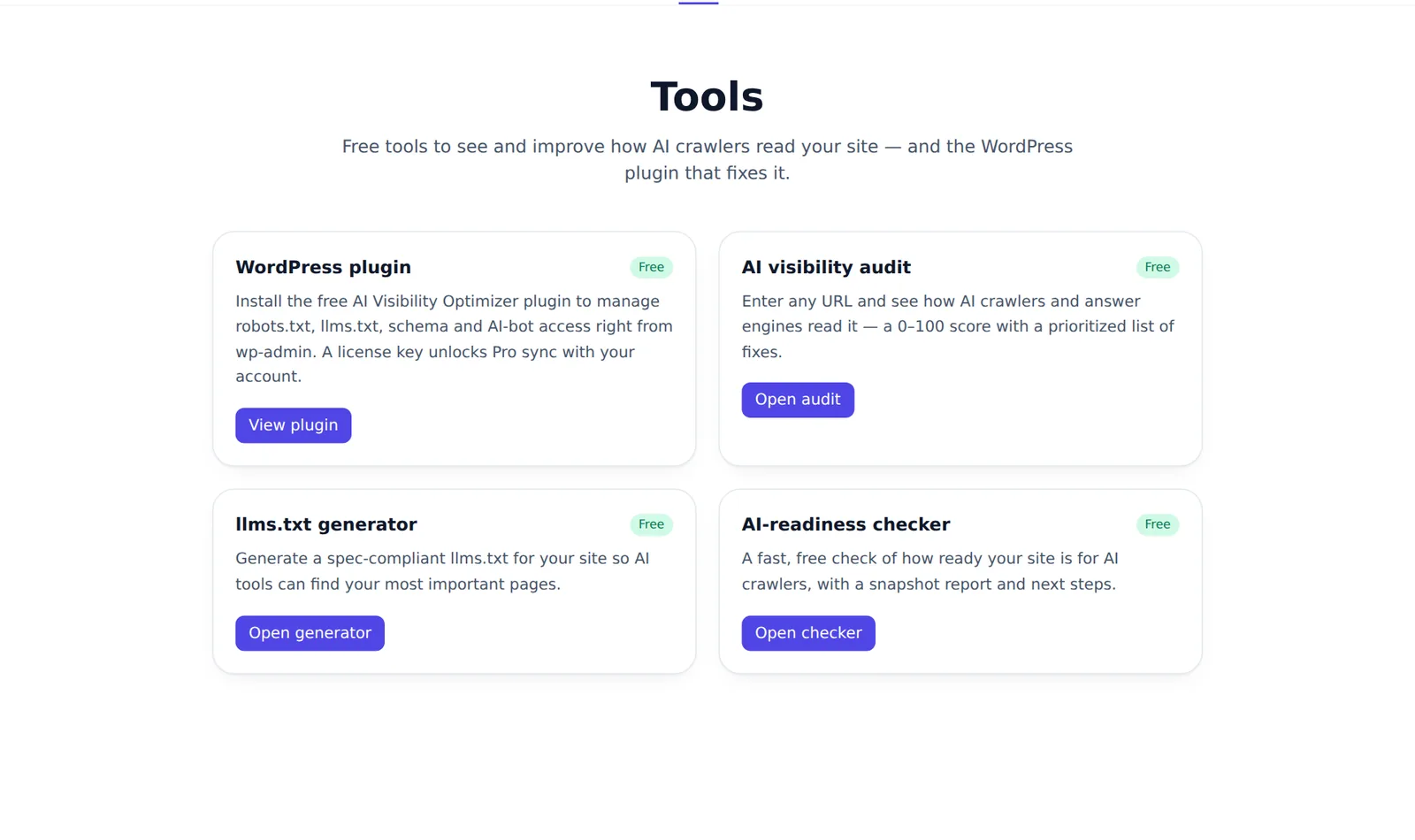
All tools are listed on the tools page.
Frequently asked questions
6 questions people ask about this topic
Do I need an account to use the free tools?
Does the llms.txt generator use AI to write the file?
What is the difference between the readiness checker and the audit tool?
Can I check a competitor's site?
Why does the free check show a different score from another tool?
Is my URL or data stored when I use the tools?
See how AI crawlers read your site
Run a free AI visibility audit: a 0–100 score and a fix for every lost point.
Analyze my website