On this page
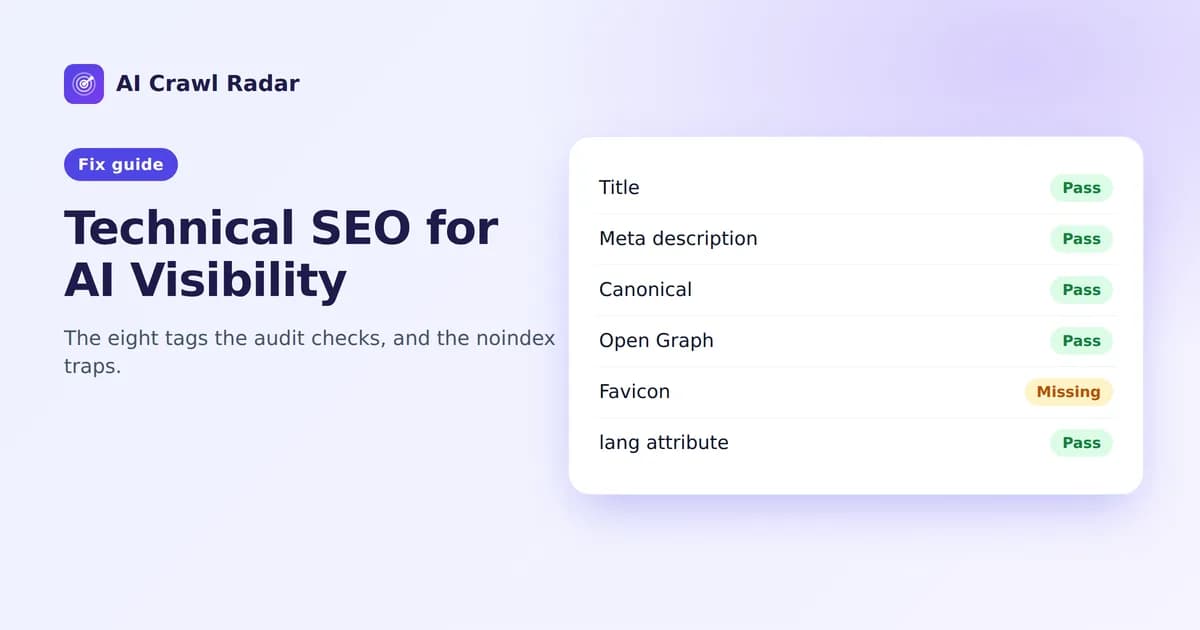
AI systems and search engines read the same HTML. The basic signals that tell Google what your page is (title, description, canonical URL, language) also help an AI system decide what the page is about and how to cite it. Technical SEO for AI visibility is worth 10 of the 100 points in an AI Crawl Radar audit, and the related Indexing findings can flag problems far more serious than a missing tag.
The eight checks
The category score is simply the share of these eight checks your page passes. Each is worth an eighth of the category:
| Check | What the audit looks for |
|---|---|
| Title | A non-empty <title> |
| Meta description | <meta name="description" content="…"> |
| Canonical | <link rel="canonical" href="…"> |
| Viewport | <meta name="viewport" …> |
| Open Graph | At least one og: property tag |
| Twitter card | At least one twitter: meta tag |
| Favicon | <link rel="icon"> or rel="shortcut icon" |
| Language | A lang attribute on <html> |
Fixing each one
Title
Every page needs a unique title that names its topic, ideally within about 60 characters so it is not cut off in results:
<title>Pricing — Plans for teams of every size | Acme</title>Meta description
When it is missing, the report recommends "Add a meta description". Search and answer engines often use it as the snippet. Write one or two sentences, roughly 150–160 characters, that summarize the page honestly:
<meta name="description" content="Compare Acme's plans side by side. Start free, then upgrade for scheduled reports, team seats and API access.">Canonical
The canonical tag (see Google's guide to canonicalization) tells crawlers which URL is the "real" one when the same content is reachable at several addresses: with and without www, with tracking parameters, or with a trailing slash. Point it at the clean, preferred URL, using an absolute address:
<link rel="canonical" href="https://yourdomain.com/pricing">A canonical is a hint, not a redirect. If www and non-www versions of your site both load, also add a 301 redirect to one of them.
Viewport
<meta name="viewport" content="width=device-width, initial-scale=1">Without it your page renders as a zoomed-out desktop layout on phones. Search engines index the mobile version of your site, so this matters for more than looks.
Open Graph and Twitter cards
These tags control how your page looks when it is shared in chat apps, social networks and some AI interfaces:
<meta property="og:title" content="Pricing — Acme">
<meta property="og:description" content="Start free, upgrade when you need more.">
<meta property="og:url" content="https://yourdomain.com/pricing">
<meta property="og:image" content="https://yourdomain.com/og/pricing.png">
<meta name="twitter:card" content="summary_large_image">
A common bug: every page inherits the homepage's og:url and og:title from a site-wide layout. The audit passes as long as the tags exist, but check that each page's values describe that page.
Favicon
<link rel="icon" href="/favicon.svg" type="image/svg+xml">Google shows your favicon next to your search results. Without one, you get a generic globe.
Language
<html lang="en">The lang attribute tells crawlers, screen readers and translation tools which language the page is in.
Does technical SEO matter for AI search?
Yes. AI systems read the same HTML as search engines, and many AI answers are built on search indexes. A page that is noindexed or points its canonical at the wrong URL drops out of both. The eight tags above are cheap to get right, and the indexing findings below are the ones that can quietly remove a page altogether.
Indexing findings: the serious ones
"Page is set to noindex" (critical)
The audit checks the <meta name="robots"> tag and the X-Robots-Tag HTTP header for noindex (or none, which includes it). A noindexed page is dropped from search results, and from AI search tools that rely on those indexes.
Fix: if the page should be found, remove noindex. Common culprits are a "Discourage search engines" setting left on after launch (in WordPress: Settings → Reading), an SEO plugin's per-page toggle, or a staging configuration that reached production. Check the response headers too: a server or CDN rule can add X-Robots-Tag: noindex even when the HTML is clean.
curl -sI https://yourdomain.com/ | grep -i x-robots-tag"robots.txt and meta robots disagree"
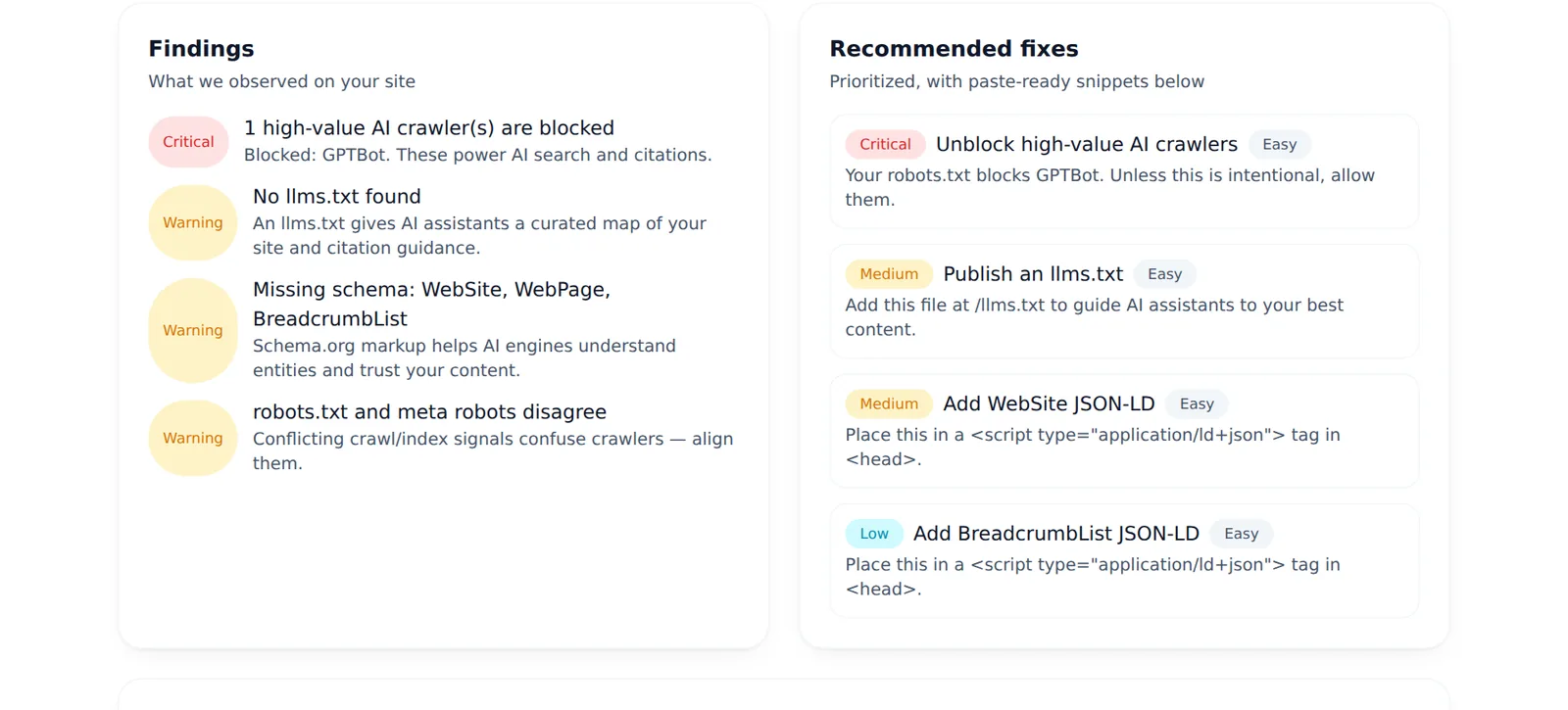
The page says noindex while robots.txt allows crawling, or robots.txt fully blocks the page for any of the tracked crawlers (even one, such as GPTBot) while the page itself does not say noindex. The two signals send crawlers opposite messages. If the block is a deliberate choice, such as keeping a training crawler out, read this warning as a confirmation rather than an error.
Fix: decide what you want, then make both agree:
- You want the page found: remove
noindexand make sure robots.txt allows it. - You want it out of search results: keep
noindexand allow crawling in robots.txt. A crawler has to fetch the page to see the noindex, so blocking it in robots.txt can leave the URL indexed from external links. - You want it never fetched at all: block it in robots.txt and accept that the bare URL may still appear in results if other sites link to it.
Verify
- View source (not the inspector) and confirm the eight tags are present on the audited page.
- Re-run the AI visibility audit. Technical SEO shows the category percentage; each passing check adds 12.5%.
Related guides
Frequently asked questions
6 questions people ask about this topic
How long should a title tag be?
Does a noindex tag hide a page from AI answers?
Should I block a page in robots.txt or use noindex?
Why does the audit say robots.txt and meta robots disagree?
Do Open Graph tags matter for AI?
Does Google show favicons in search results?
See how AI crawlers read your site
Run a free AI visibility audit: a 0–100 score and a fix for every lost point.
Analyze my website