On this page
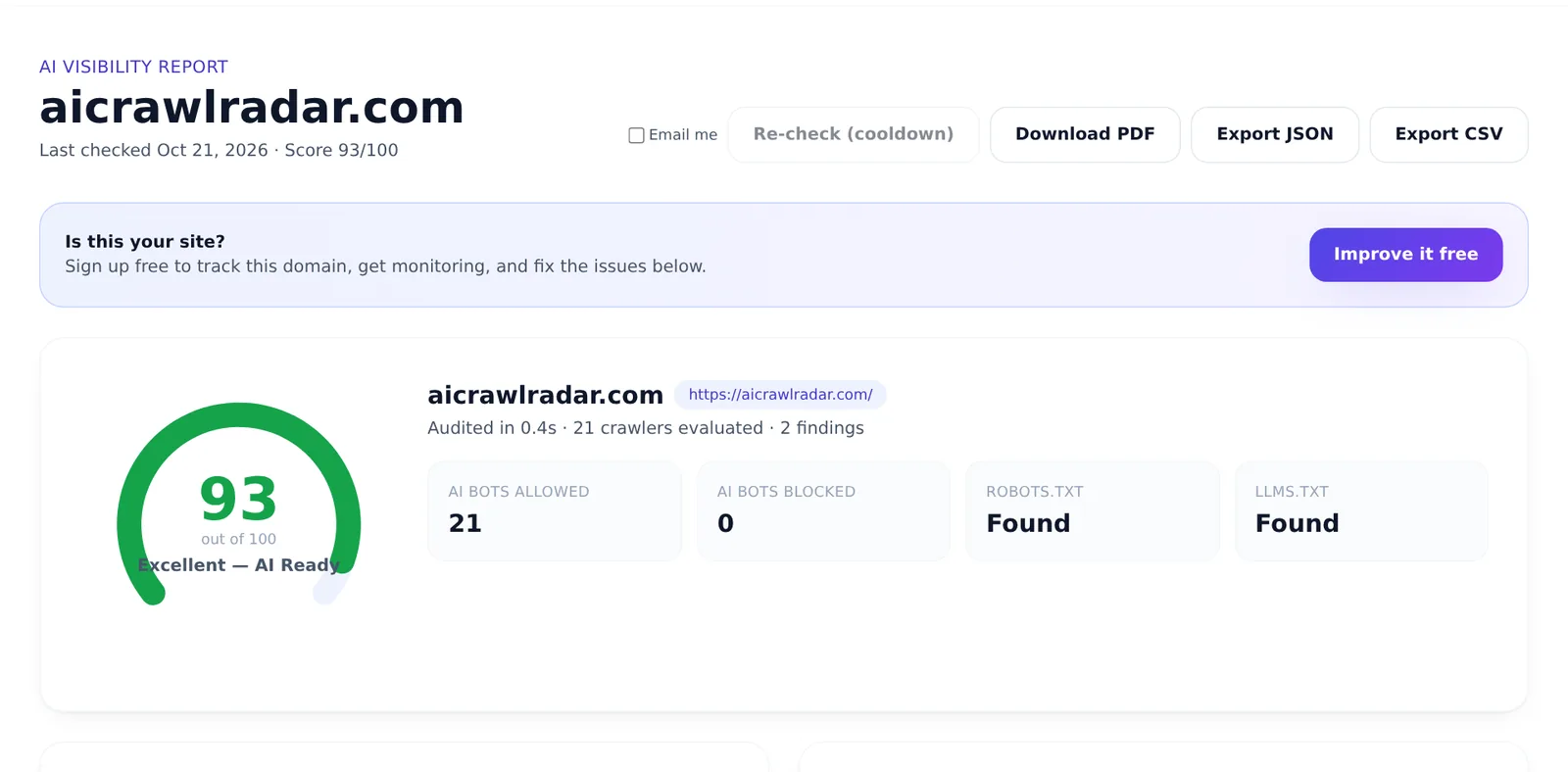
Every domain audited with AI Crawl Radar gets a public report page at https://aicrawlradar.com/ai-visibility/yourdomain.com. You can share it as a link, show your AI visibility score badge on your own site, or, if the domain is yours, make it private. This guide explains how these pages work and what you control.
How public reports are created
When anyone audits a domain, the result is saved as that domain's public report. It shows the same information as the report from the audit tool: the overall score, the breakdown by category, AI crawler access, findings and recommended fixes. How to run an AI visibility audit explains each part.
Which reports appear in search engines
Not every public report is offered to search engines. By default, a report is indexable, and listed in our sitemap, only when the domain scores in the Excellent band (90 or more). Reports below that are still reachable by link, but carry a noindex tag, so they are not shown in search results.
Keeping a report up to date
- Re-check: anyone viewing a report can ask for a fresh audit with the re-check button. Each domain can be re-checked once every six hours.
- Automatic refresh: a report older than 30 days is refreshed in the background the next time someone opens it.
So after you fix something, for example unblocking an AI crawler, re-check your report to make the public page reflect it.
Making your report private
If you own the domain, you can hide its report from everyone but you:
- In your dashboard, open My sites and add your domain.
- Copy the verification tag and paste it inside the
<head>of your homepage. It looks like<meta name="ai-crawl-radar-verification" content="…">. - Publish the change and run the verification.
- Switch the domain to Private.
A private report is visible only to you, when you are signed in. Everyone else gets the same "not found" page as for a domain that was never audited, so the page does not even reveal that a private report exists. Keep the verification tag in place: ownership is re-checked every 30 days. Domain verification is part of the paid plans; see pricing.
Private is the owner's choice. Only the verified owner of a domain can make its report private. Being able to prove ownership is what stops anyone else from hiding, or claiming, your site's report.
Embedding your score badge
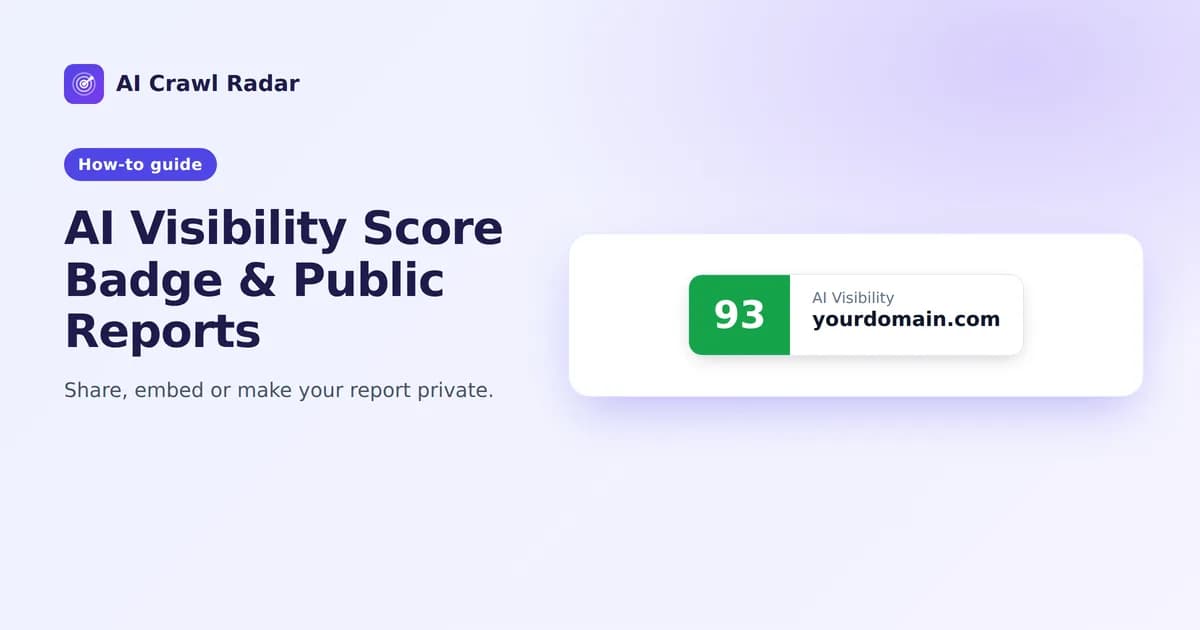
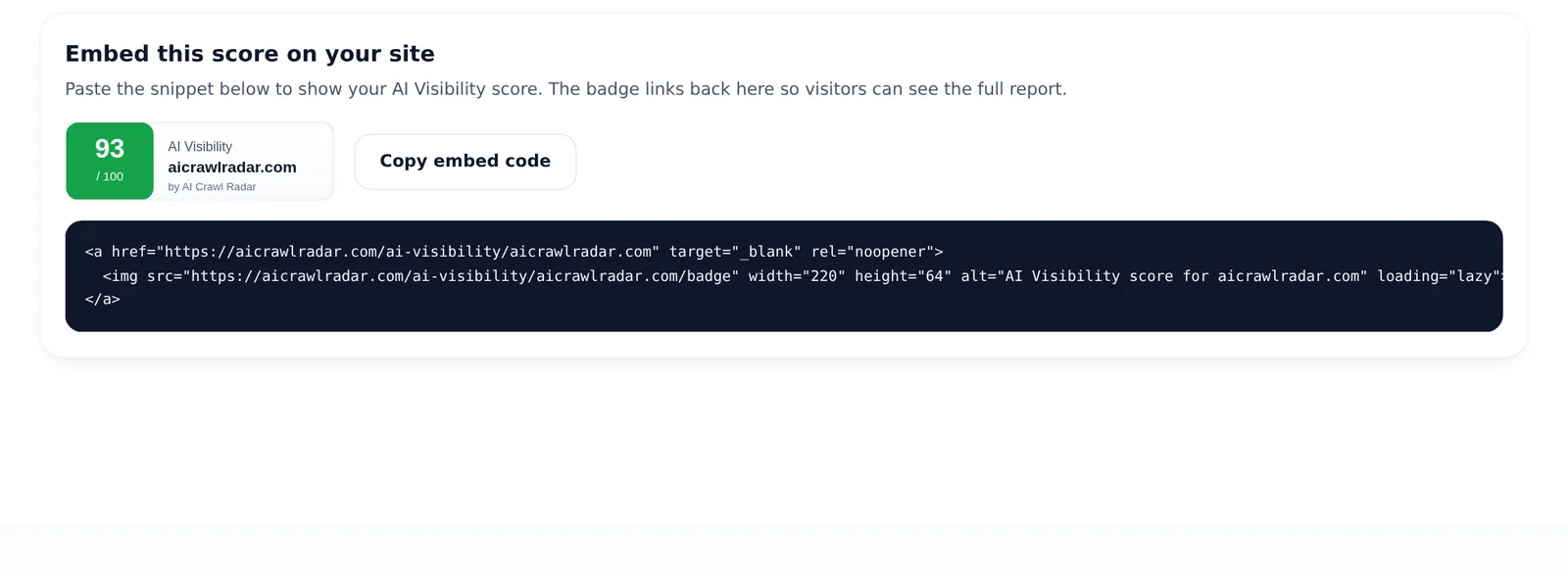
Each report has an Embed this score on your site section with a ready-made snippet. The badge is a small image showing your domain and score, and it links to the full report:
<a href="https://aicrawlradar.com/ai-visibility/yourdomain.com" target="_blank" rel="noopener">
  <img src="https://aicrawlradar.com/ai-visibility/yourdomain.com/badge" width="220" height="64" alt="AI Visibility score for yourdomain.com" loading="lazy">
</a>- Open your report and click Copy embed code.
- Paste the snippet into your site where you want the badge, often the footer or an "About" or "Trust" section.
- Publish. The badge follows your report automatically; after a refresh, cached copies can take up to a day to update.
The badge is a plain image inside a link: it runs no script on your site, and works with page builders, static sites and strict Content Security Policies alike. If your site's CSP restricts images, allow https://aicrawlradar.com in img-src. If you make your report private, the badge stops displaying.
When to show the badge
A badge is most useful when your score is good and you keep it that way. Agencies can use it to show clients a site's AI readiness, and SaaS sites can place it in a trust or security section. If your score is still low, fix the critical findings first: the audit guide links the fix guide for each report category. To see what a full report looks like, open the sample report.
Sharing a report
The report URL is stable, so you can send it to a developer, a client or a colleague as-is. For a document to attach to an email or a ticket, use Download PDF on the report. CSV and JSON exports are there too.
Related guides
Frequently asked questions
6 questions people ask about this topic
Someone audited my site. Can I remove the report?
Why does my public report show an old score?
Why is my report not in Google?
How do I verify that I own a domain?
Will the badge slow down my site?
Does the badge give me a backlink?
See how AI crawlers read your site
Run a free AI visibility audit: a 0–100 score and a fix for every lost point.
Analyze my website