On this page
- Create your account
- Dashboard home: your recent reports
- My sites: verify your domains
- Scans: watch more than one page, on a schedule
- Alerts: be told when something breaks
- Competitors: benchmark against other sites
- Crawler analytics: see which AI crawlers actually visit
- Team, reports and agencies
- Exports on every plan
- Getting help
A one-off audit tells you where you stand today. The AI Crawl Radar dashboard adds AI visibility monitoring: it tells you when that changes: when a deploy, a CDN setting or a plugin update suddenly blocks AI crawlers or drops your score. This guide walks through the dashboard section by section, and notes which features need which plan so nothing surprises you.
Create your account
- Sign up with email or Google.
- Follow the Get started checklist on your first visit. It walks you through the first steps below.
A free account keeps your last 10 analyses in the dashboard and gives you a higher daily audit allowance than guests get. Paid plans add monitoring over time. The full comparison is on the pricing page.
Dashboard home: your recent reports
The dashboard home lists your most recent audits and background scans, with score and date. Open any of them to see the full report with every finding, fix and export option. How to run an AI visibility audit explains how to read a report.
My sites: verify your domains
Verifying a domain proves you own it. On My sites:
- Under Add a domain, enter your domain and click Add domain.
- Copy the verification meta tag shown and paste it inside the
<head>of your homepage. - Publish the change, then click Verify.
Leave the tag in place: verification is re-checked every 30 days. Once a domain is verified, you can switch its public report to Private, so only you can see it and it is hidden from search. Domain verification is included on paid plans. Public reports and the score badge covers what that means.
Scans: watch more than one page, on a schedule
On paid plans you can go beyond single-page audits:
- Background multi-page scans check many pages of a site in one run (from 25 pages per scan on Pro up to 250 on Agency), so a problem on your blog or product pages does not hide behind a healthy homepage.
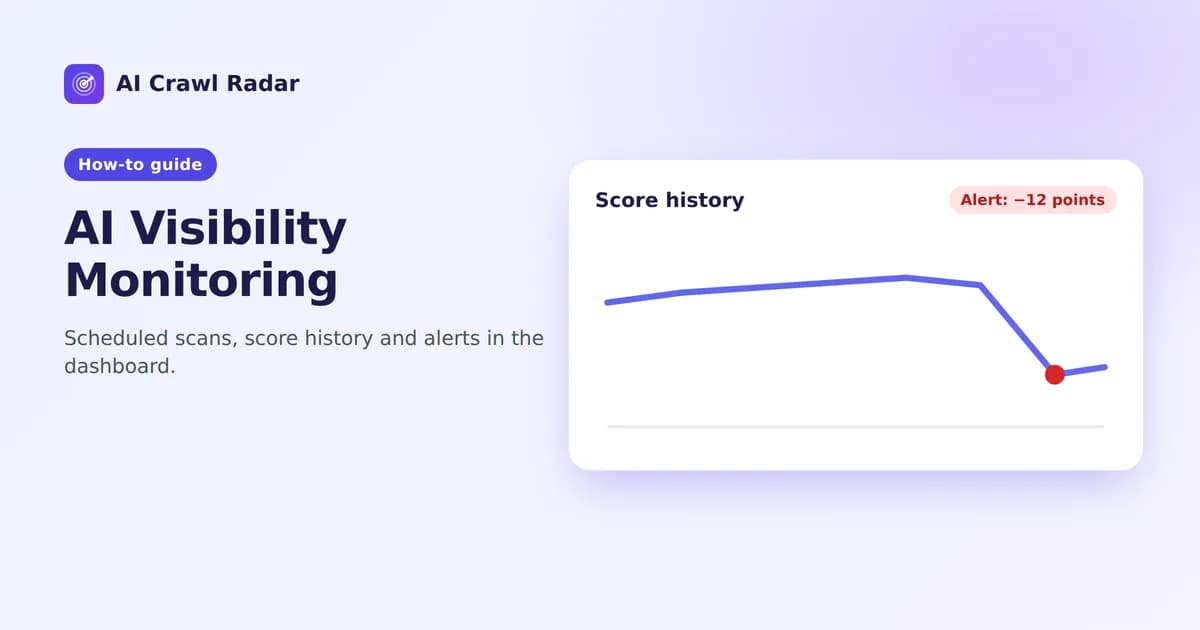
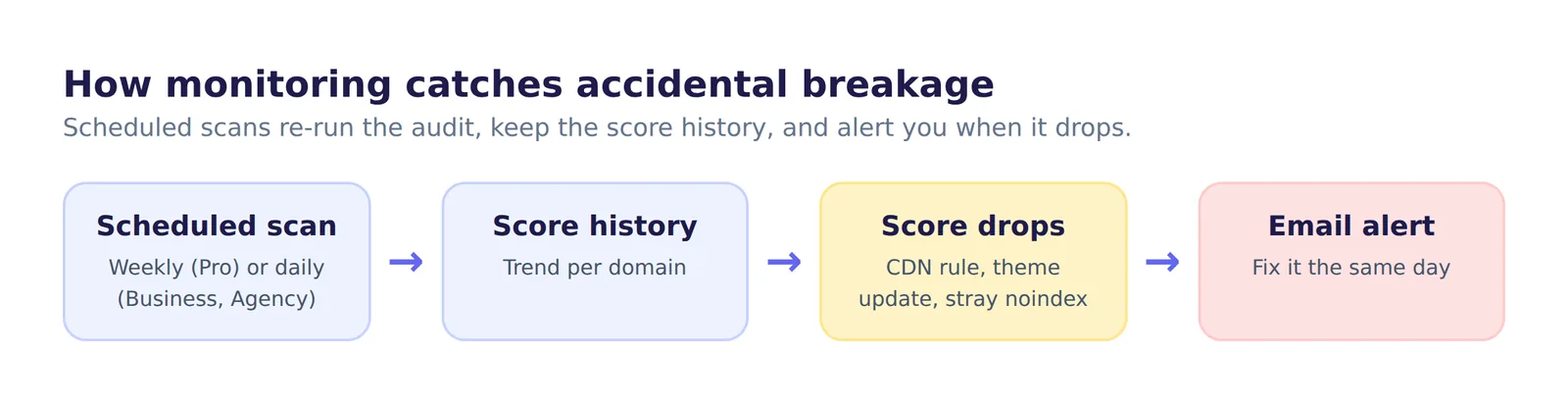
- Scheduled scans re-run automatically, weekly on Pro and daily on Business and Agency, and keep your score history so you can see the trend.
Why schedule? AI visibility often breaks by accident: a CDN starts managing robots.txt, a theme update moves content into JavaScript, a staging noindex reaches production. Scheduled scans catch it within a day or a week, not months later.
Alerts: be told when something breaks
During the Get started checklist you can set a score-drop alert: choose how many points the score must fall, and we email you when a scan shows a drop that large. Email alerts need Pro or above.
The Alerts page lists your alert rules and your recent alerts (the latest 50), with whether it was delivered or failed and why, so a failed alert is visible instead of silently lost.
Competitors: benchmark against other sites
Add competitor domains to compare their overall score, and each category such as AI Bot Access, llms.txt Readiness and Content Accessibility, with yours. Pro includes one competitor, Business three and Agency ten.
Crawler analytics: see which AI crawlers actually visit
Your robots.txt says which crawlers may visit; crawler analytics shows which ones did. It needs the WordPress plugin connected with a Business-or-higher license, AI-crawler tracking switched on, and Enable AI-bot visit reporting checked on the plugin's License tab. The Crawler analytics page then shows crawler activity per domain, with per-URL detail on Agency and above.
Team, reports and agencies
- Team: invite colleagues. Seats range from 2 on Pro to unlimited on Agency.
- Audit log (Business and above): see who changed what in your workspace, such as invitations, keys, domains and plan changes.
- Clients and branding (Agency): manage client sites separately and export white-label PDF reports under your own brand.
- API (Business and above): run audits and read score history and crawler analytics programmatically. See the API documentation.
Exports on every plan
Every report can be downloaded as PDF, CSV or JSON on every plan, including Free.
Getting help
Support tickets are open on every plan from Support in your account menu; response priority follows your plan. For help with fixes, the audit guide links the fix guide for each report category.
Frequently asked questions
6 questions people ask about this topic
Do I need a paid plan to monitor my site?
How often do scheduled scans run?
What do alerts tell me?
Can my team use the same account?
Can I see which AI bots actually crawl my site?
Is there an API?
See how AI crawlers read your site
Run a free AI visibility audit: a 0–100 score and a fix for every lost point.
Analyze my website